Guide
Manuals, tips, how-to guides, and supporting materials.
Using MoodLab
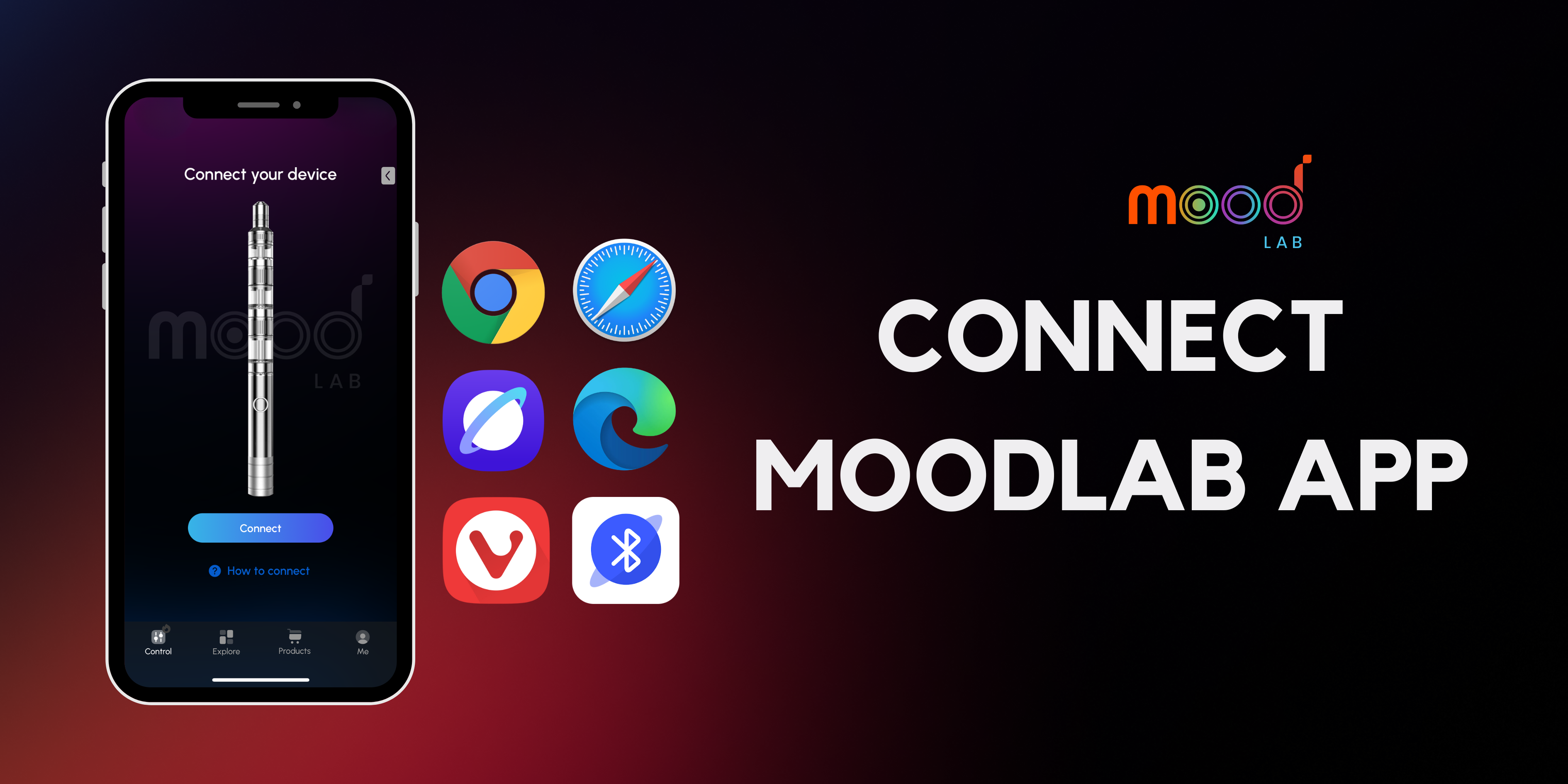
Connect to MoodLab App Across Any Browser
This guide shows how to pair Moodi Pro with the MoodLab App using a browser. MoodLab App supports multiple browsers on Android and iOS - Blena is optional, not required.
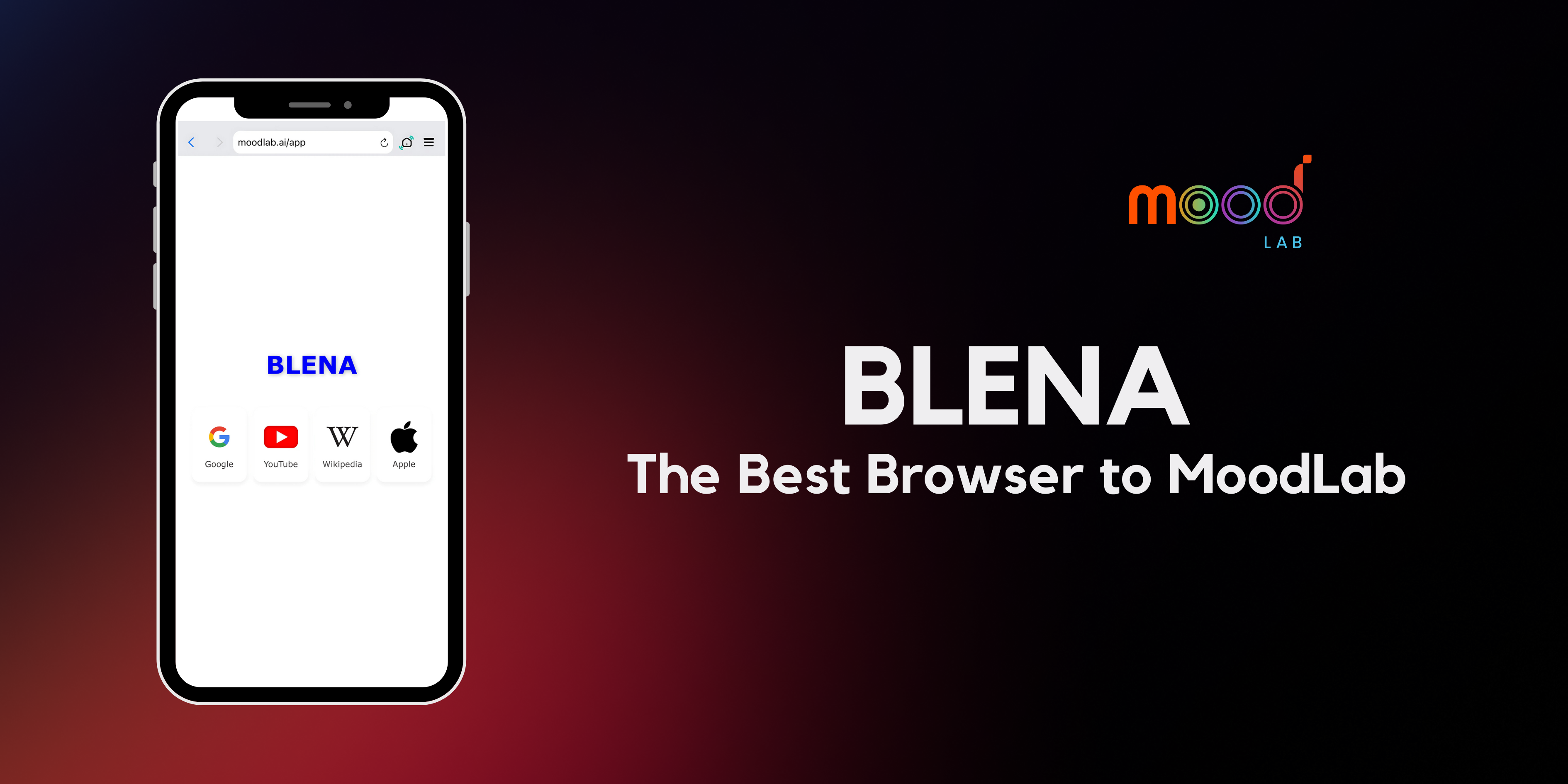
Blena - The Best Browser to Access the MoodLab Ecosystem
Blena is a fast, privacy-focused browser that makes it effortless to explore the MoodLab ecosystem - no ads, no tracking, just smooth, direct access.
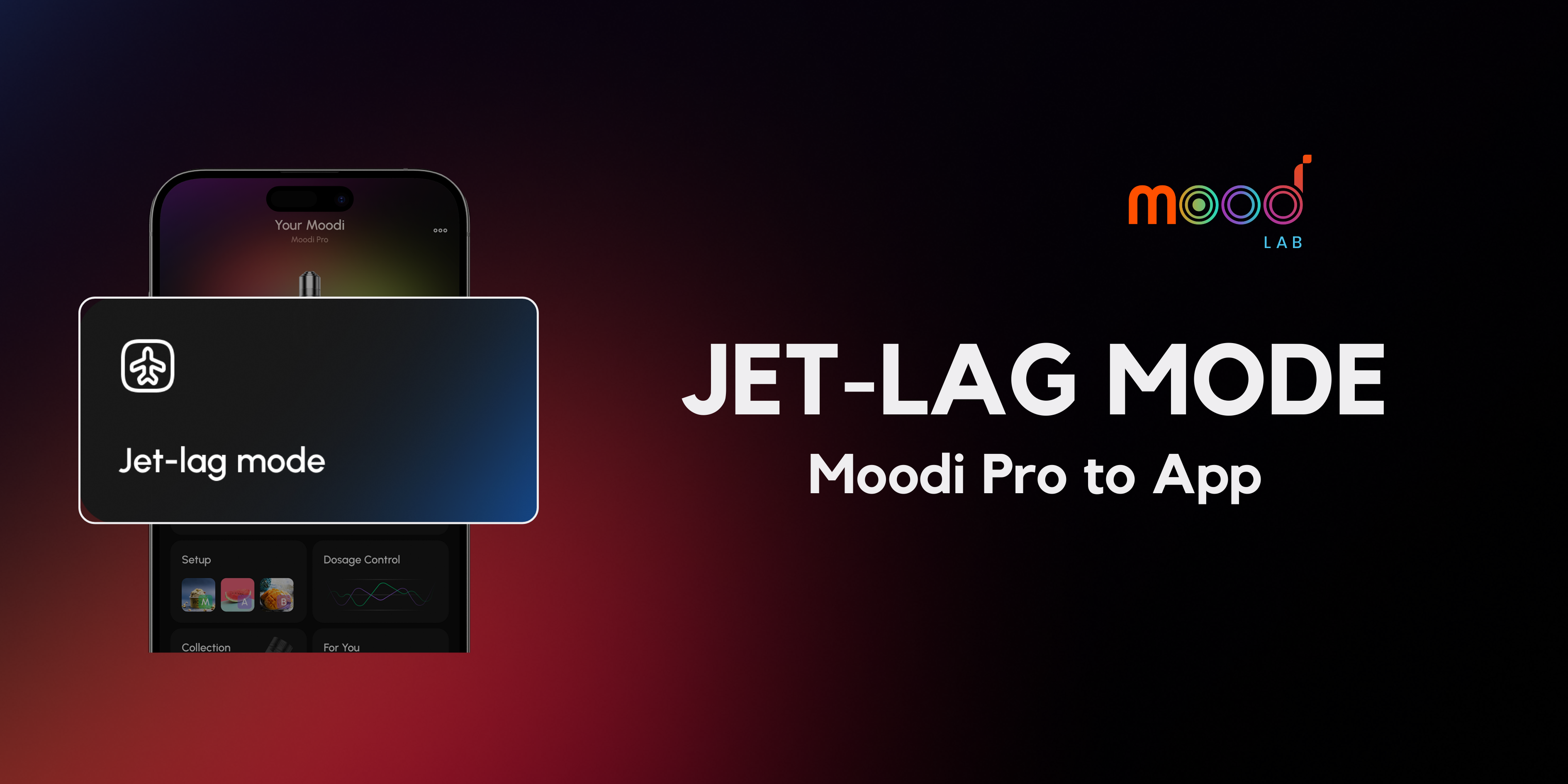
Jet-lag Mode: Stay Awake Before, Sleep Deep After
Flying across time zones can mess with your body clock. Jet-Lag Mode helps you adjust faster: stay awake before takeoff, and sleep deeper after landing.
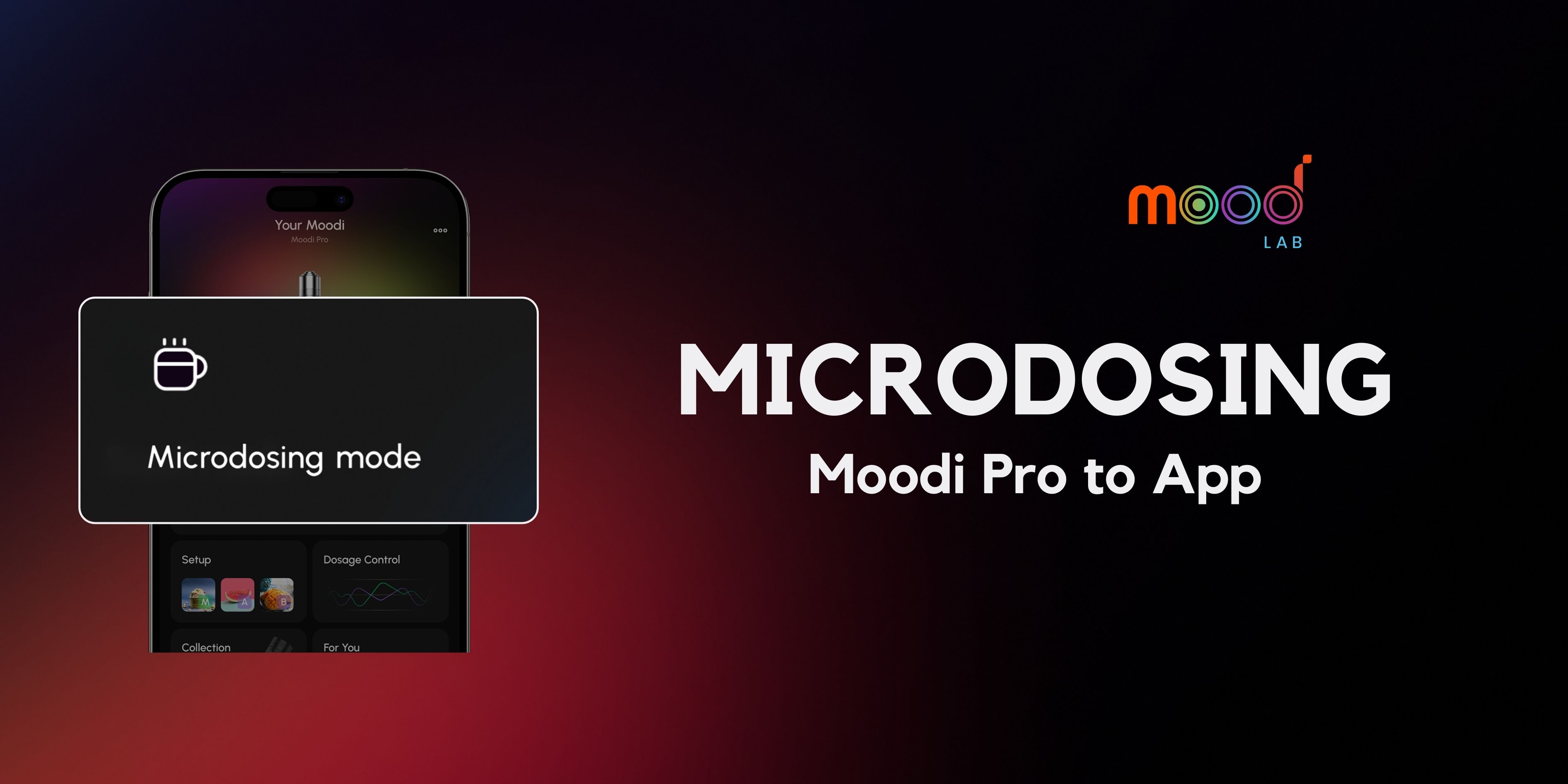
Microdosing Mode: Just Enough, Min Heat, Max Control
Microdosing mode works best when you build gradually toward your sweet spot. Start light, fine-tune with each puff, and discover the dose that fits your mood and goals.
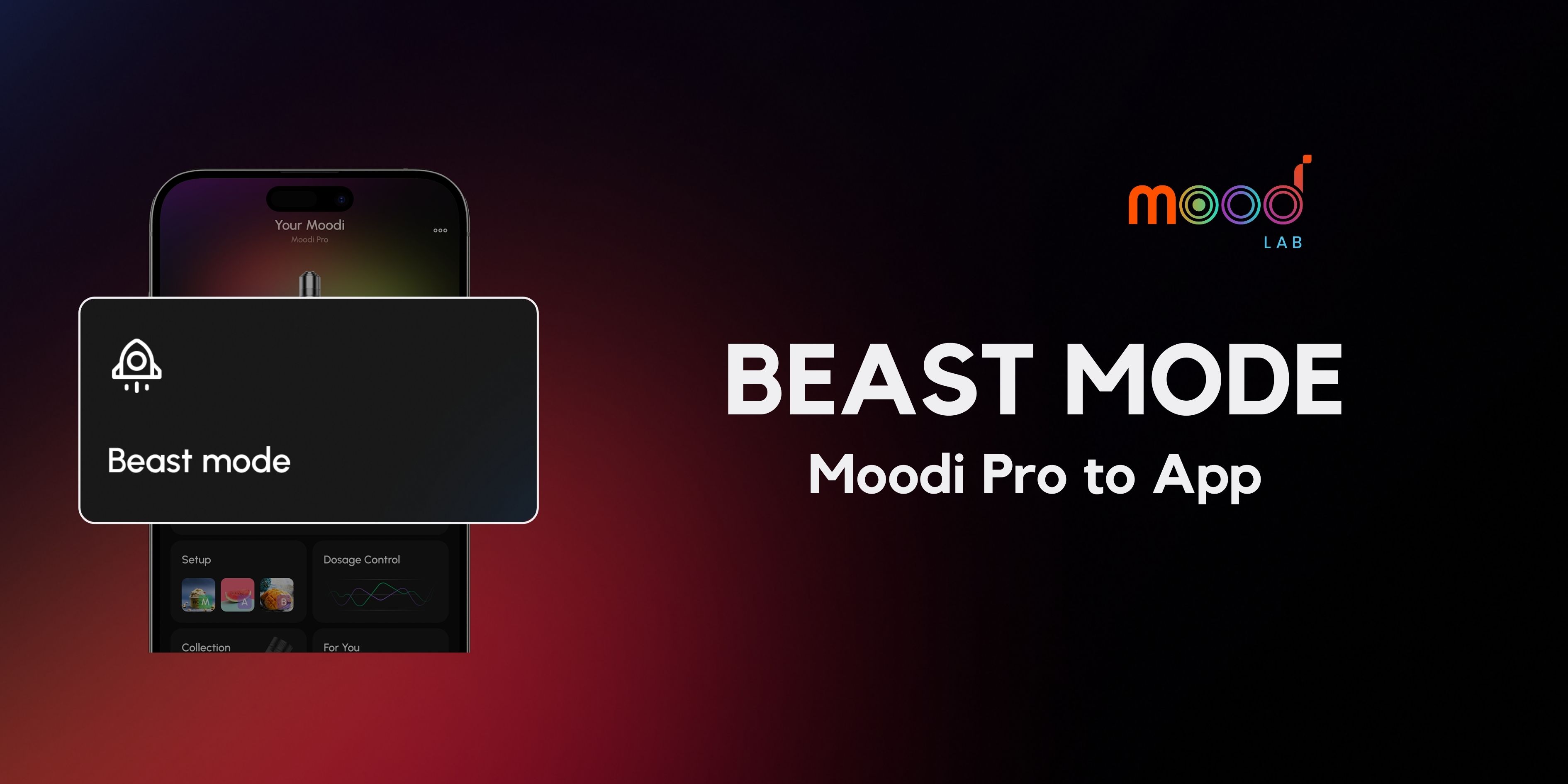
Beast Mode: All In, Max Heat, Max Impact
Beast Mode is built for power users who want maximum intensity and full control. Set it up once, lock in your cartridges, and unleash the beast in just one press.
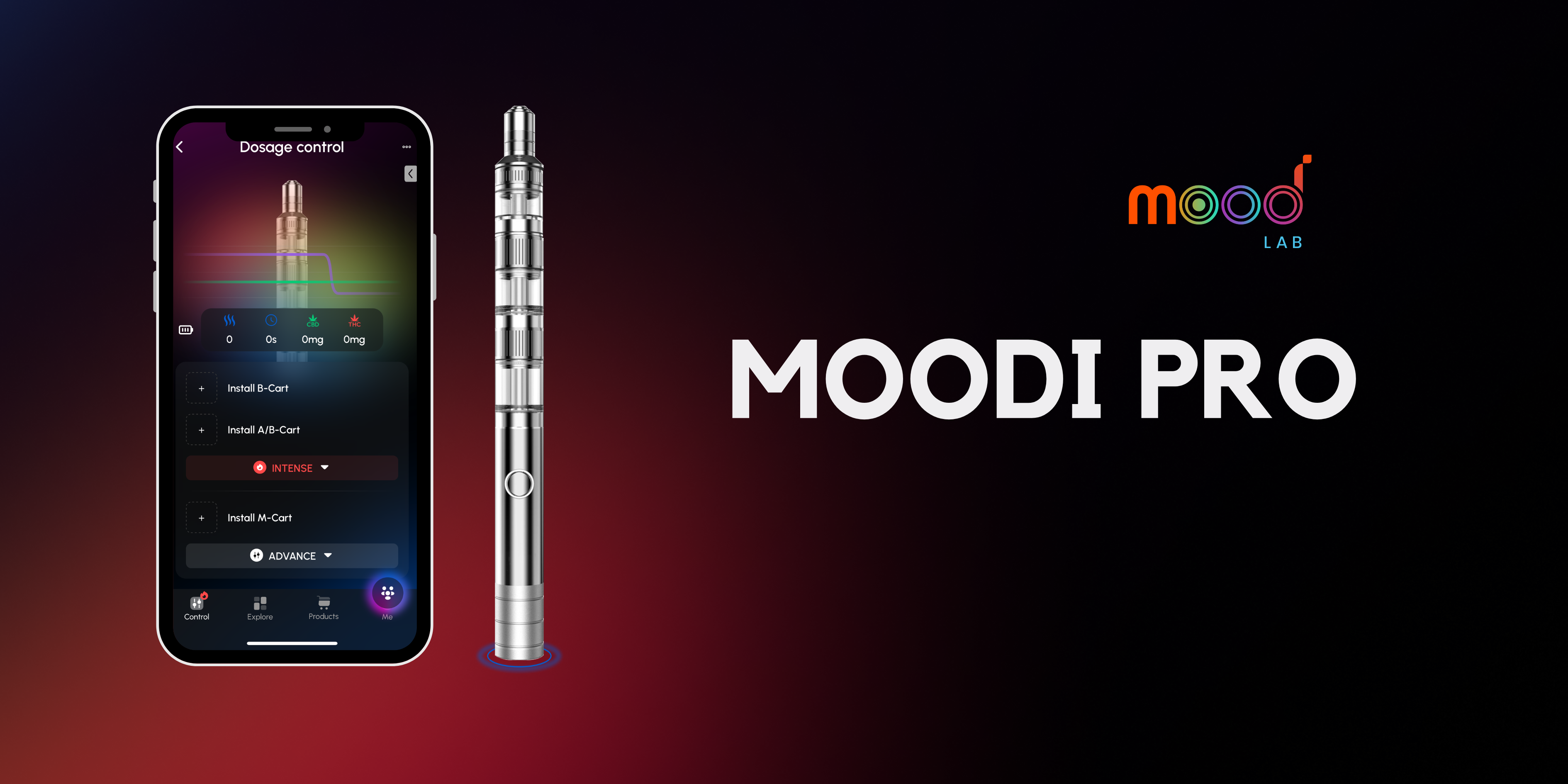
What is Moodi Pro? The World-First Multi-Cartridge Modular Vape
While traditional vapes offer one-size-fits-all solutions, Moodi Pro breaks the mold with its "Design Your Mood" philosophy - putting complete control in your hands.
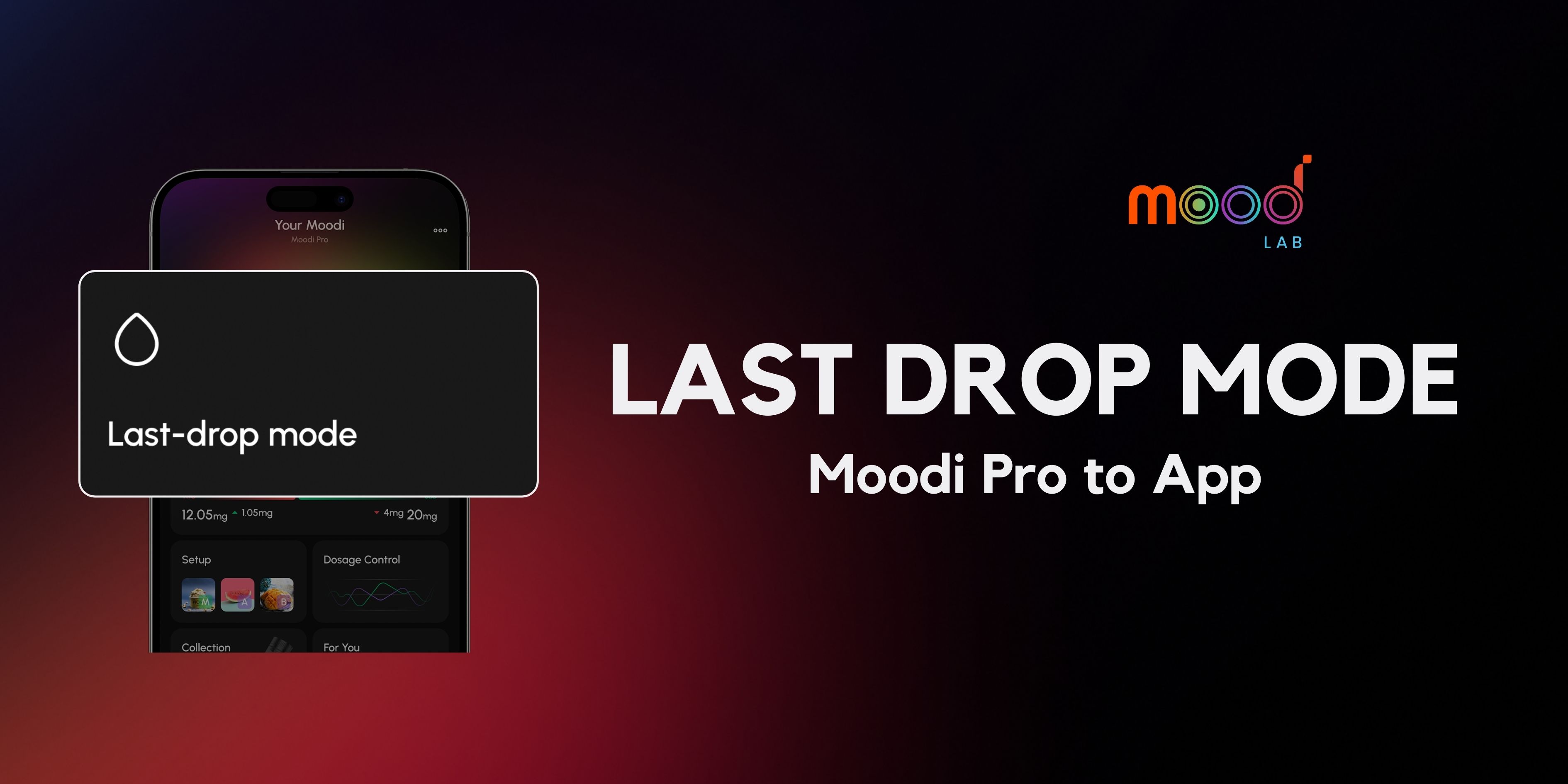
Last Drop Mode – Quick Preheat, Save Every Drop
Guide to activating Last Drop Mode on Moodi Pro: heat up your extract, quick preheat, and make the most of your cartridge – more efficient and convenient than any regular vape.
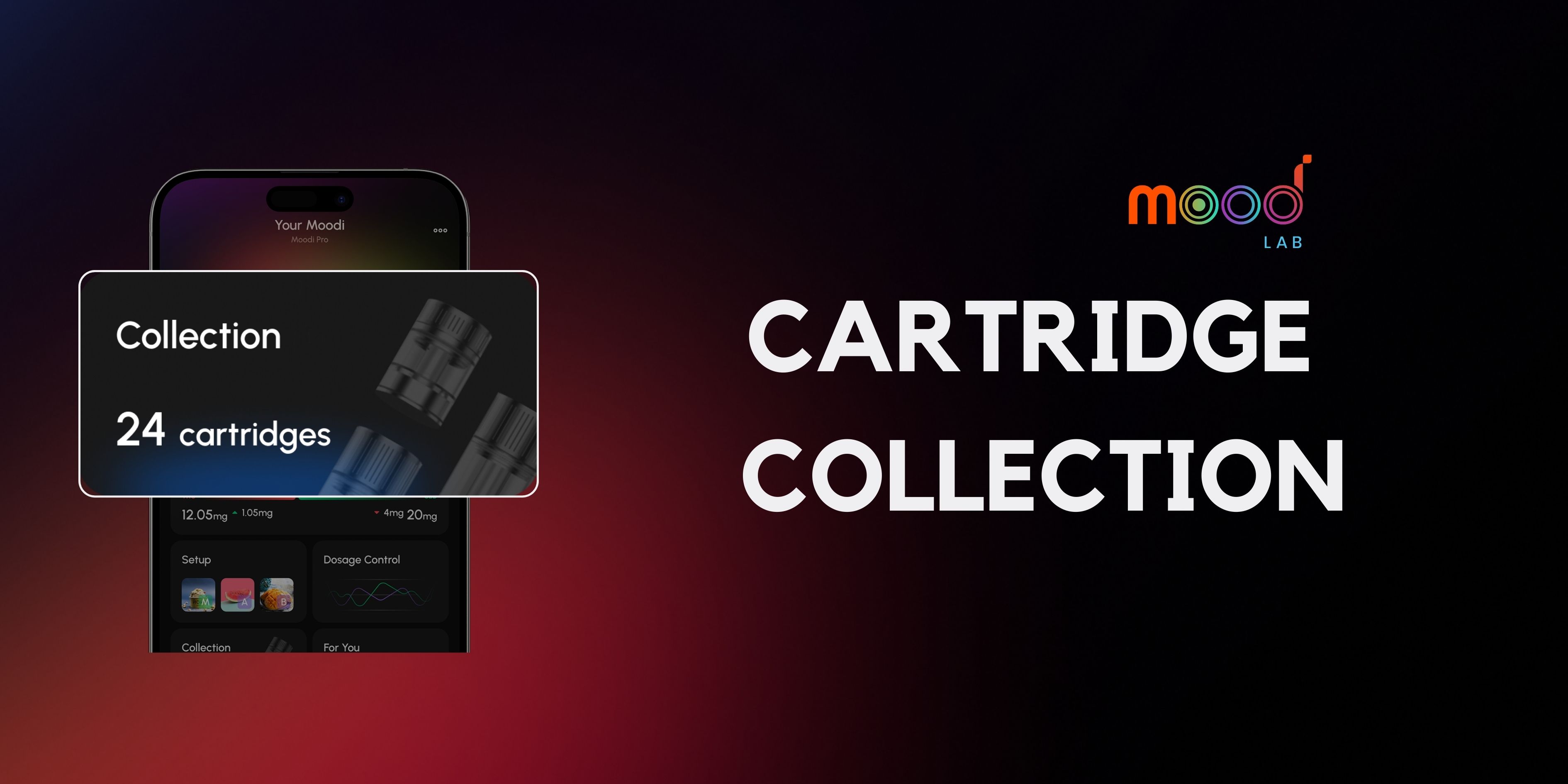
Cartridge Collection - Scan, Save, and Manage
Cart Collection makes it easy to manage cartridges, keep your mood experience synced, and save time. Start scanning your cartridge pack now for a smoother, optimized session.
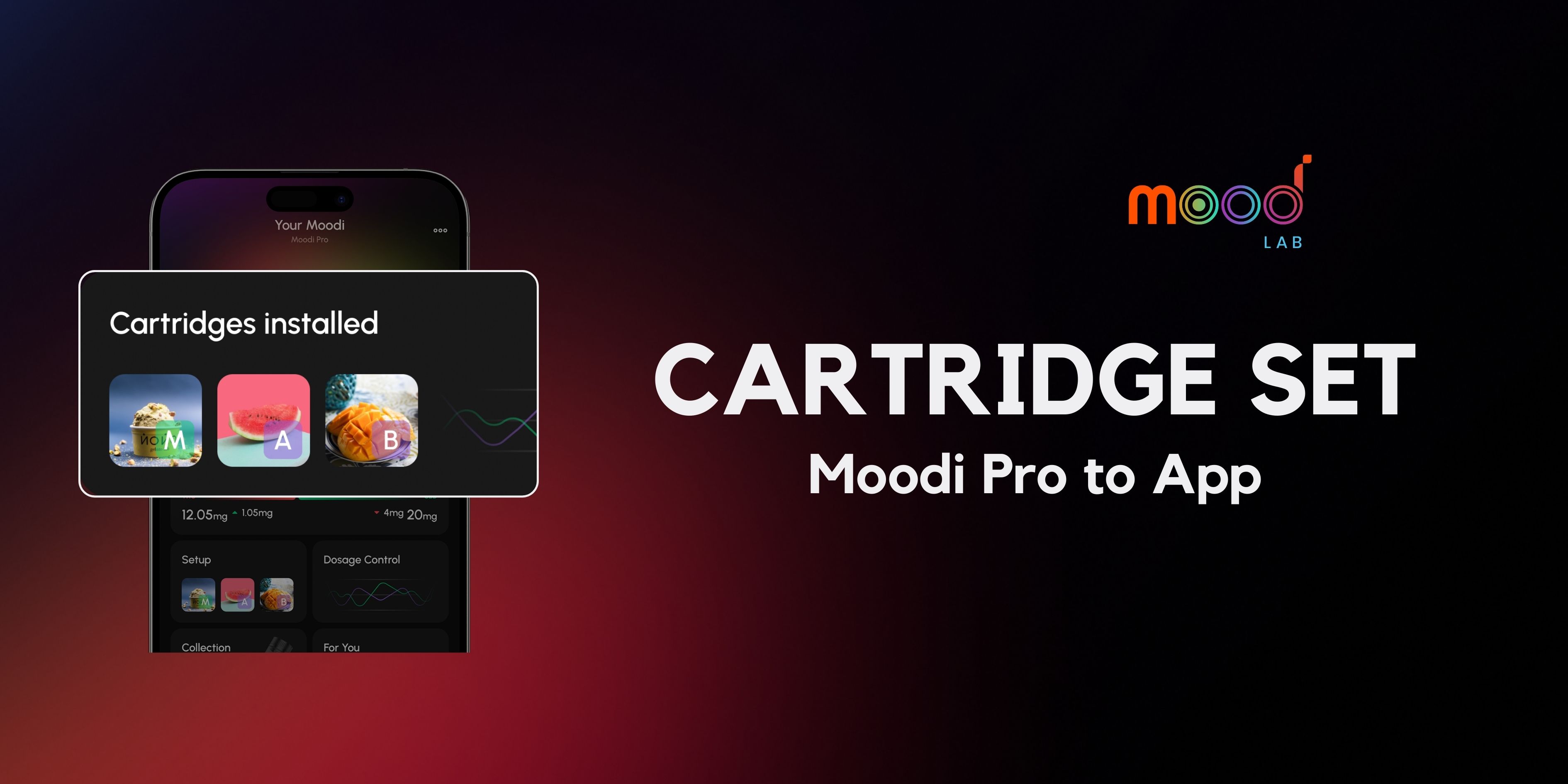
Cartridge Set - Create, Install, and Manage
Step-by-step guide to create, install, and manage cartridges in the MoodLab app. Start setting up and managing your cartridge in MoodLab to unlock the best mood experience.
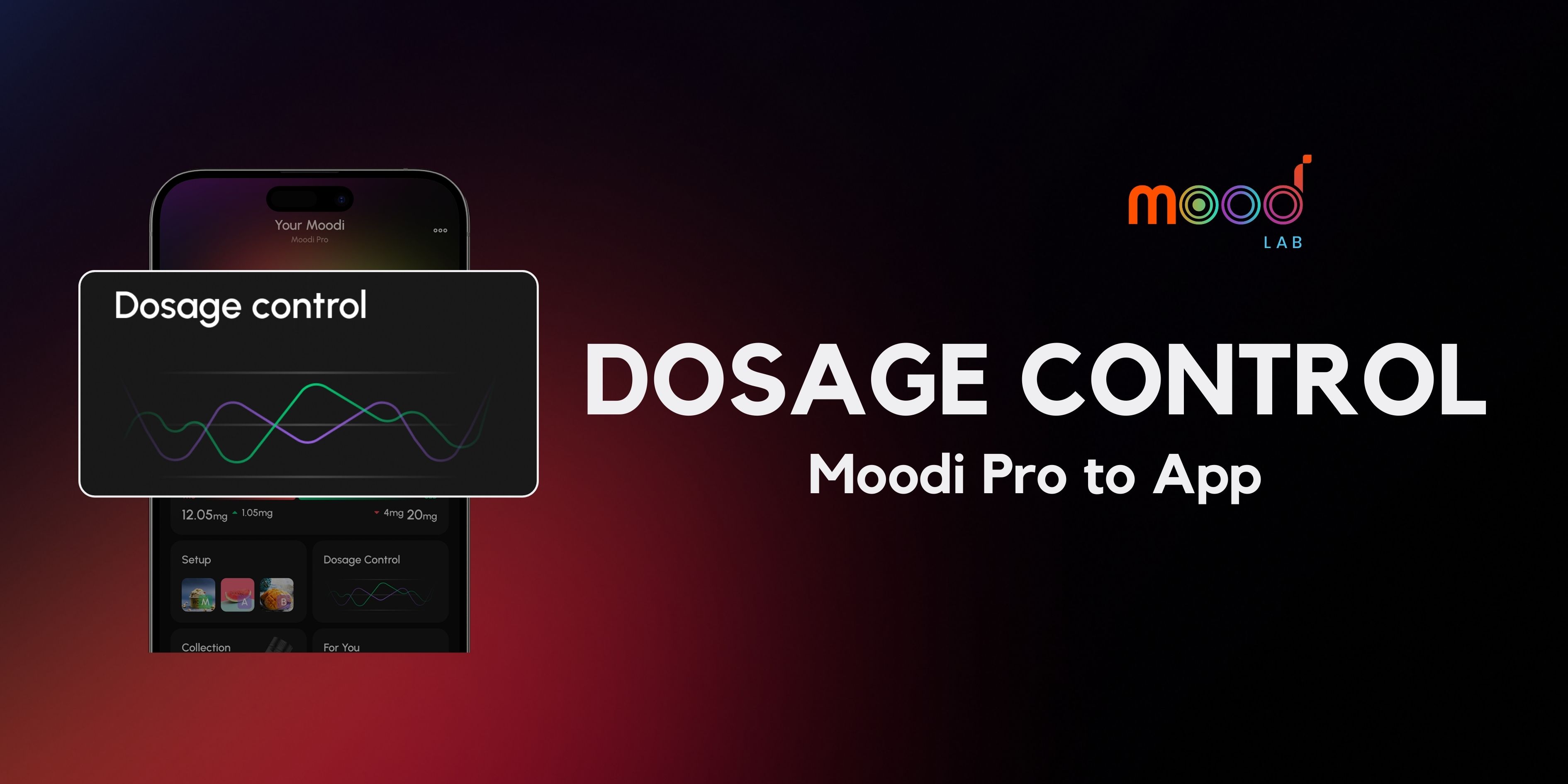
Dosage Control – Quick and Advanced
Dosage Control lets you manage intake safely for a better experience, with 2 modes: Quick and Advanced – great for both new and advanced users.
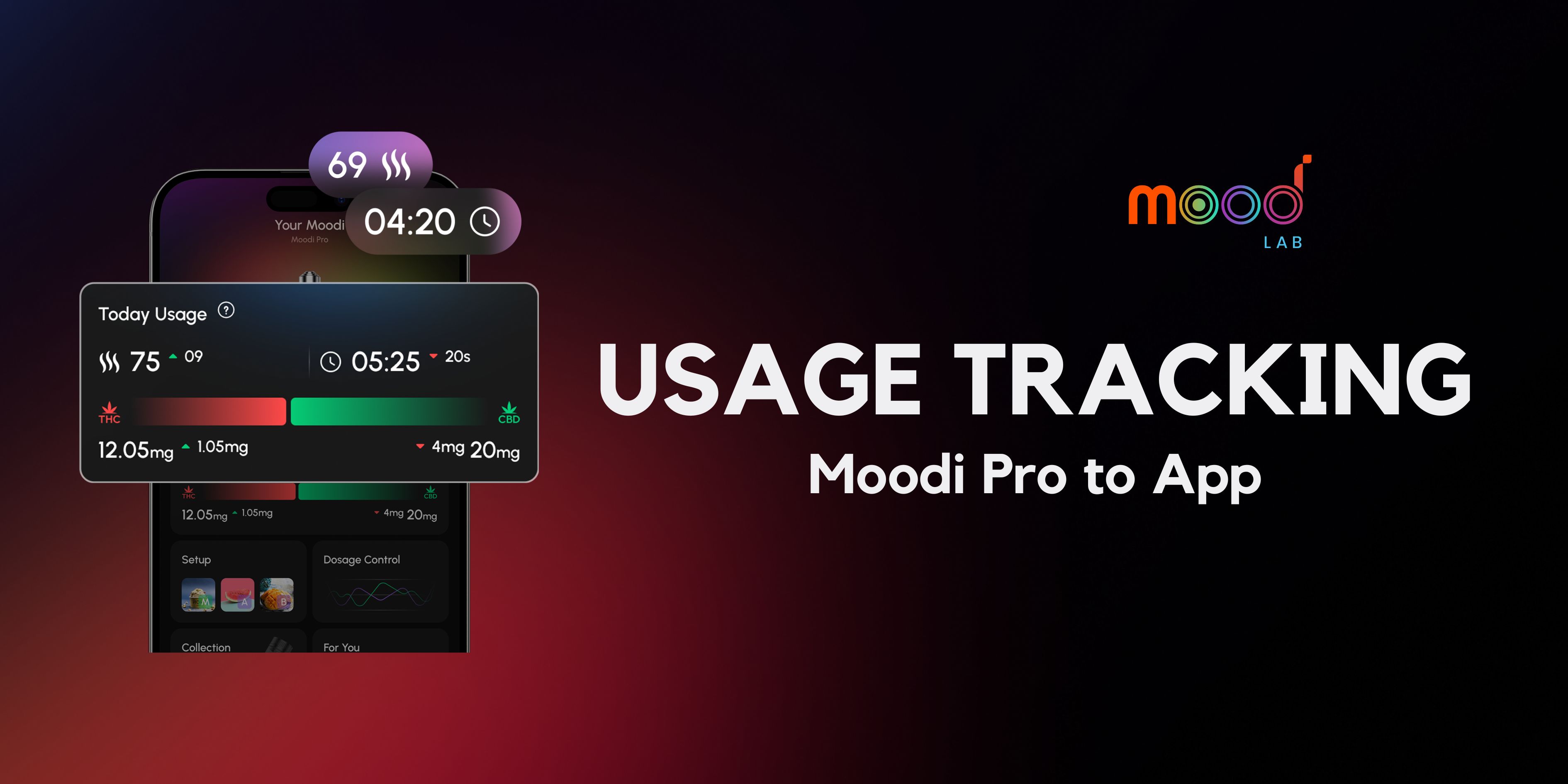
Usage Tracking: Check puffs, session time, and THC/CBD intake
Usage Tracking turns every puff into personalized data and connects you with the community. Follow MoodLab’s official guide to use it correctly.
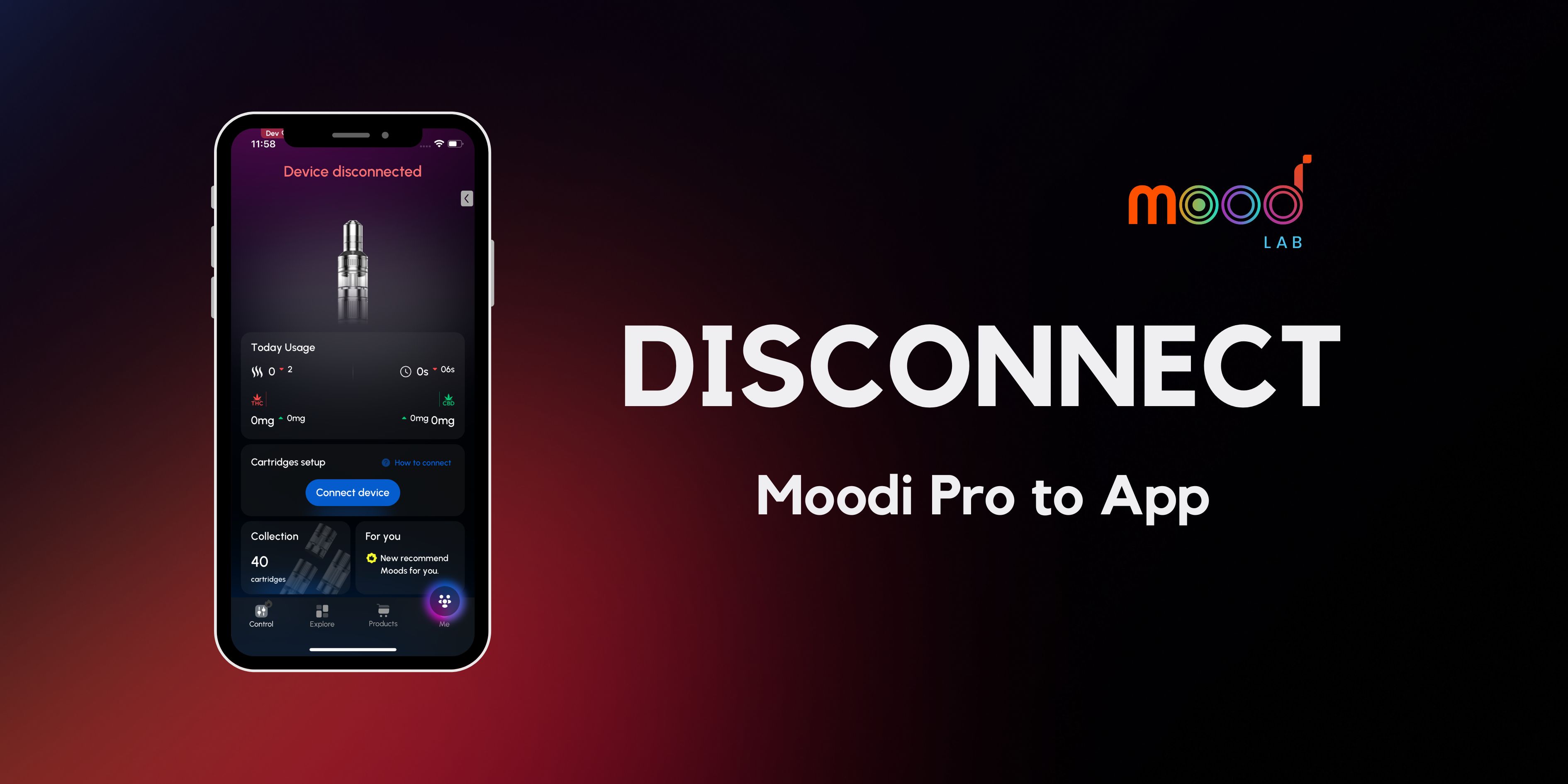
Disconnect Moodi Pro: Active & Auto-Standby
You can disconnect Moodi Pro from the app either manually (Active) or let the system switch to standby automatically (Auto-Standby). This guide shows both methods step by step for easy use.
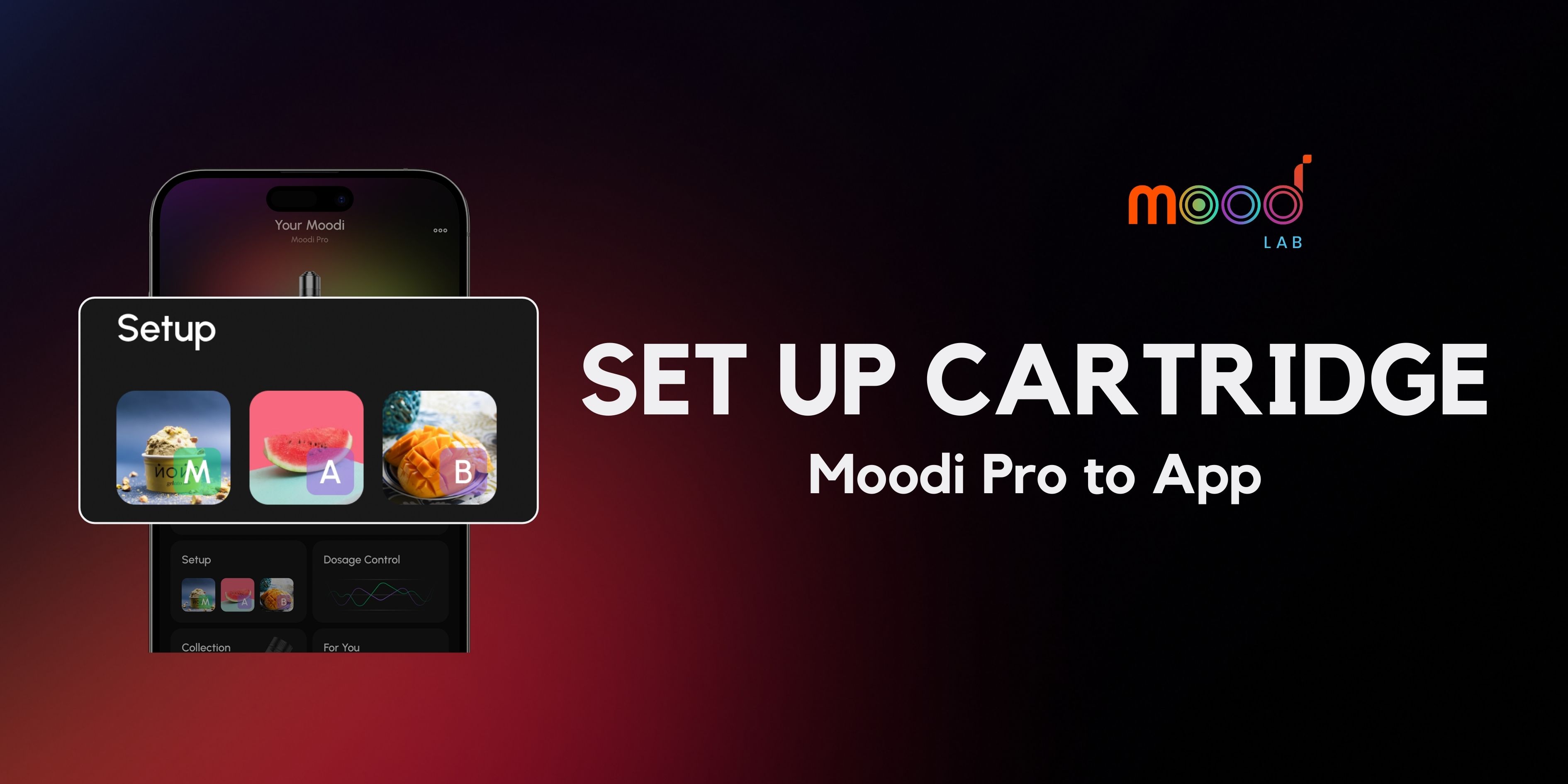
Set up Cartridge – Scan QR, Save, and Start
Quick guide to add a new cartridge in the MoodLab App with QR scan. Just a few seconds to connect and start using.
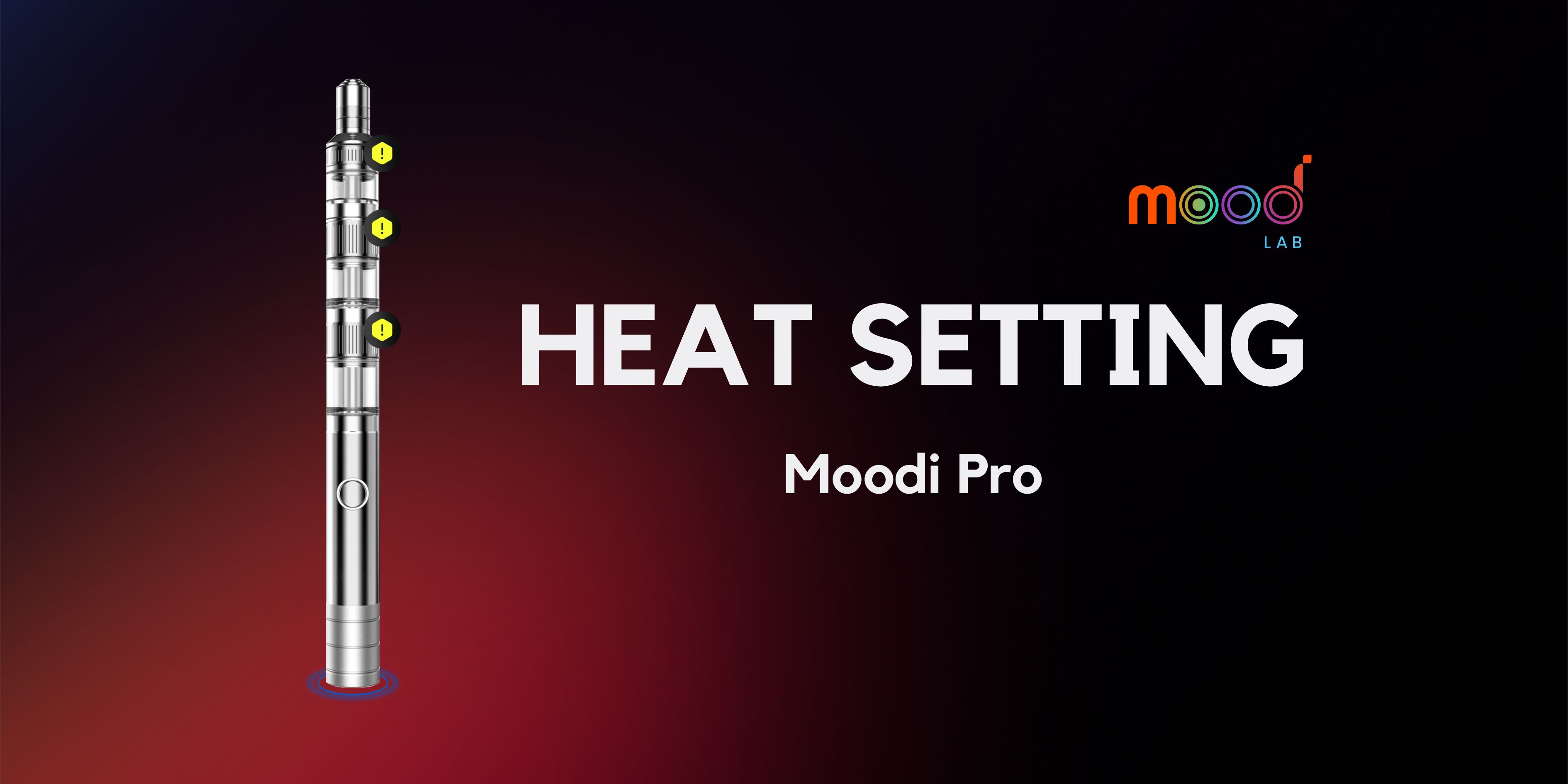
Adjusting Heat Setting on Moodi Pro
Heat Setting control vapor intensity, flavor, and mood effects on your Moodi Pro. Follow MoodLab’s official guide to use them correctly and understand the LED colors for each heat level.
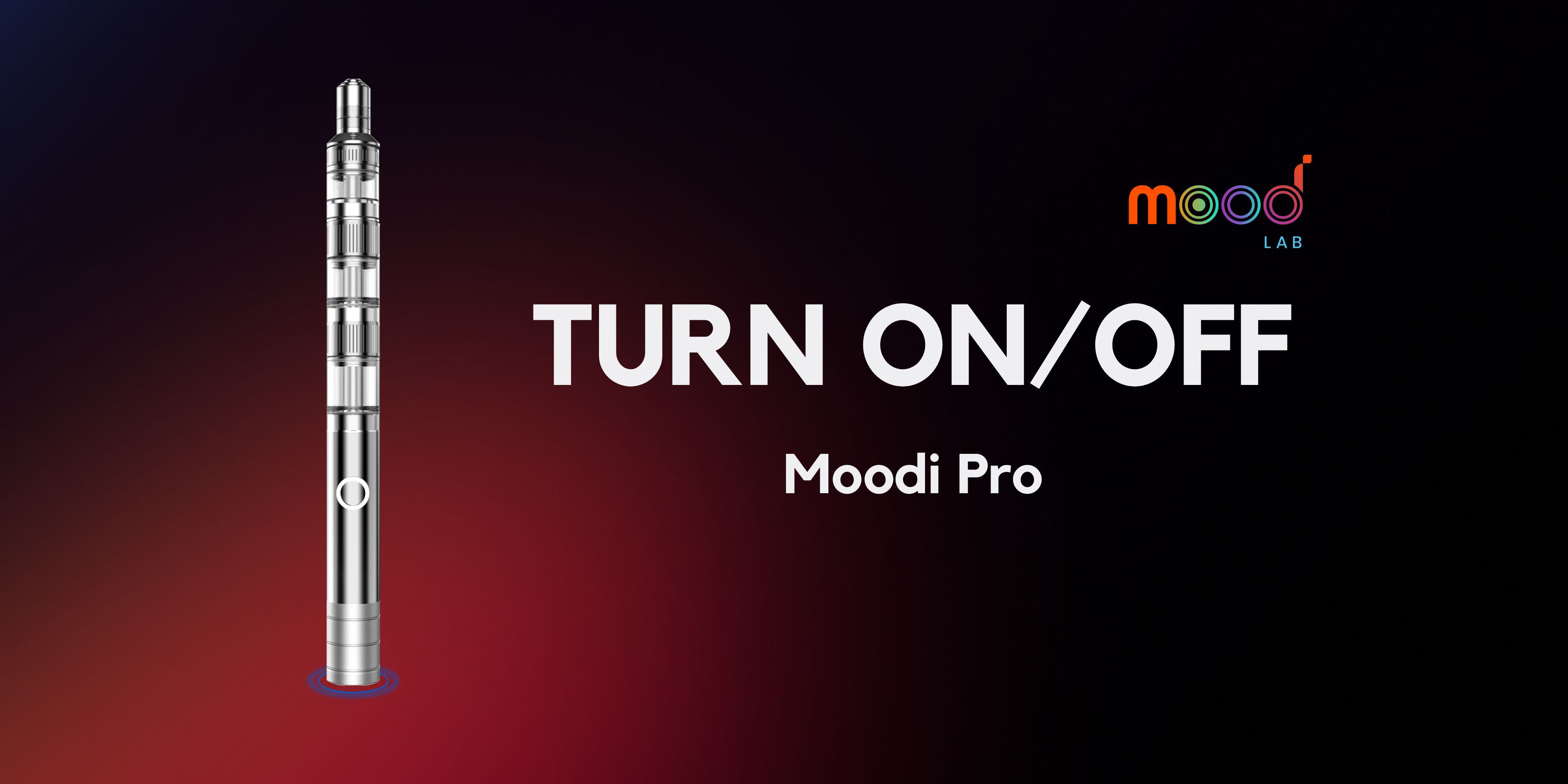
Turn On and Off Moodi Pro
Learning how to turn on/off Moodi Pro is just 5 quick presses of the power button.